AMPED Controls
PC and mobile inputs for throttle, wheelie balance, camera, and clean hangout riding.
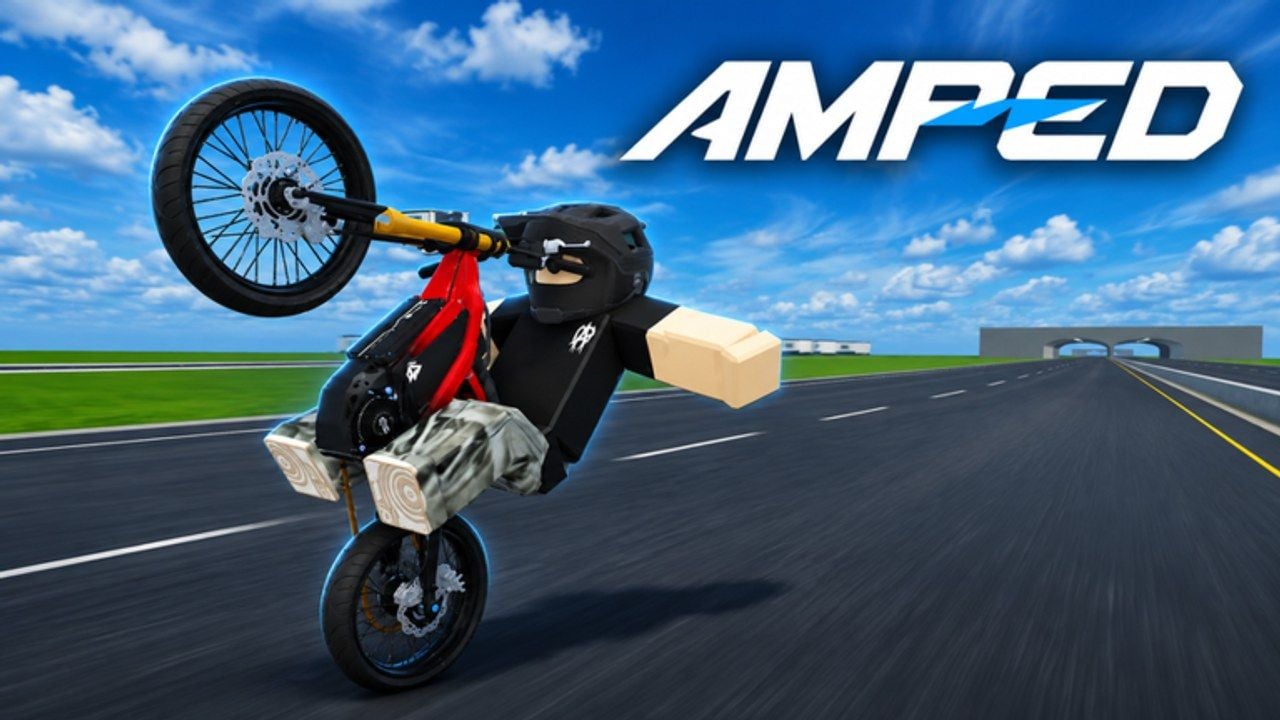
Clean inputs make AMPED feel like the highlight clips you came for. Messy inputs make every Ultra Bee style bike feel broken. This controls guide maps the actions you care about — throttle, steer, wheelie, camera, menus — and explains how to keep them stable on PC and mobile during beta.
Actions that matter
Regardless of device, you need reliable access to:
- Throttle / accelerate — builds speed for wheelies and jumps.
- Brake / coast — kills speed before walls and crowded lips.
- Steer / lean — line choice; small inputs win.
- Wheelie / tip — lifts the front into the balance point.
- Camera — look ahead; wheelie games punish staring at your fender.
- Menu / codes / shop — redeem and upgrade without fighting the HUD (How to Redeem).
Roblox may remap some defaults per platform. Open the in-game settings on first launch and note exactly which control tips the bike versus which only steers.
PC defaults and habits
Most riders use keyboard for movement and mouse for camera:
- Keep fingers relaxed on throttle keys; mashing causes loops when combined with wheelie input.
- Use mouse micro-movements to peek landings before you steer the bike into them.
- Avoid huge flick turns mid-wheelie; steer with patience.
- Bind or remember the menu key so you can redeem a shout code without reconnecting.
If you use a controller through Roblox, treat analog triggers as your throttle practice tool — partial pull is the secret to balance. Recheck deadzones if the bike surges.
Mobile / touch habits
Touch AMPED is absolutely viable. For a deeper phone/tablet walkthrough — performance, thermal throttling, and when to prefer PC — see the dedicated Mobile Guide. Quick habits:
- Place thumbs so throttle and steer do not overlap awkwardly.
- Disable aggressive touch gestures that zoom the camera mid-ride if your device allows.
- Paste codes from clipboard; do not type long strings mid-session.
- Consider a higher FOV or adjusted camera distance if the front fender blocks jump lips.
When the on-screen UI covers submit buttons, dismiss the keyboard or rotate once — same advice as in the redeem guide.
Camera: the hidden control
Half of “I cannot wheelie” tickets are camera problems. Look farther down the road than feels natural. Before a jump, rotate to see the landing lane. In 12-player servers, keep awareness of riders beside you so you do not clip them mid-balance. Social awareness ties into Players etiquette.
Sensitivity and feel checklist
Run this whenever AMPED feels “off” after a patch:
- FPS stable enough for micro throttle.
- Camera sensitivity comfortable for small corrections.
- No accidental shift of touch layout.
- Volume / music not distracting callouts from friends.
- Graphics presets not tanking frame pacing on low-end devices.
The Tools Hub expands this into a pre-ride checklist. Do it before blaming bike tiers.
Wheelie-specific control notes
- Separate pop from hold mentally: different throttle amounts.
- If the nose rises too fast, cut throttle before you cut the wheelie input — many riders do the opposite and panic.
- On landing, neutralize wheelie attitude early so the front can settle.
Full drills live on How to Wheelie. Cash implications live on Earn Cash Fast.
Menus without ruining a run
Pull off the main line before opening shop or codes. Beta menus can pause or steal focus. After redeeming, take five seconds to re-orient the camera before hammering throttle into traffic.
Accessibility and comfort
Take breaks. Bike-life sessions invite “one more clip” spirals. Stretch hands, especially on mobile where thumbs fatigue fast. If a control scheme hurts, change it — there is no leaderboard forcing a painful layout.
Beta warning
Control prompts and HUD labels can move between updates. When something vanishes, check Beta Notes and re-open settings before assuming a hard lockout. Report persistent broken binds through official AMPED|Official channels listed on Wiki links.
Practice routine for controls mastery
5 minutes: drive figure-eights with camera leading.
5 minutes: throttle roll-ons and roll-offs without wheelies.
5 minutes: wheelie pops with intentional soft set-downs.
5 minutes: approach a small jump with camera pre-aimed at landing.
Then go free roam. This sequence from Getting Started mindset prevents random chaos from teaching random habits.
Related pages
Frequently Asked Questions
Quick answers for AMPED riders.
Where do I rebind AMPED controls?
Use the in-game settings / Roblox platform controls on your device. Re-check after major patches because beta HUDs shift.
Why does my bike loop whenever I tip it?
Throttle is probably too high during the pop. Ease off as the front rises and practice on flat ground.
Is controller better than keyboard?
Analog throttle helps some riders, but keyboard/mouse and touch both work. Comfort and camera control matter more than device brand.
Can I redeem codes on mobile controls?
Yes — paste into the codes field carefully. See How to Redeem for UI tips.
What should I tweak if the game feels laggy?
Lower graphics, stabilize FPS, and revisit the Tools Hub checklist before changing bikes.