AMPED Tools & Checklists
Pre-ride settings, practice timers, and session planners for cleaner wheelies.
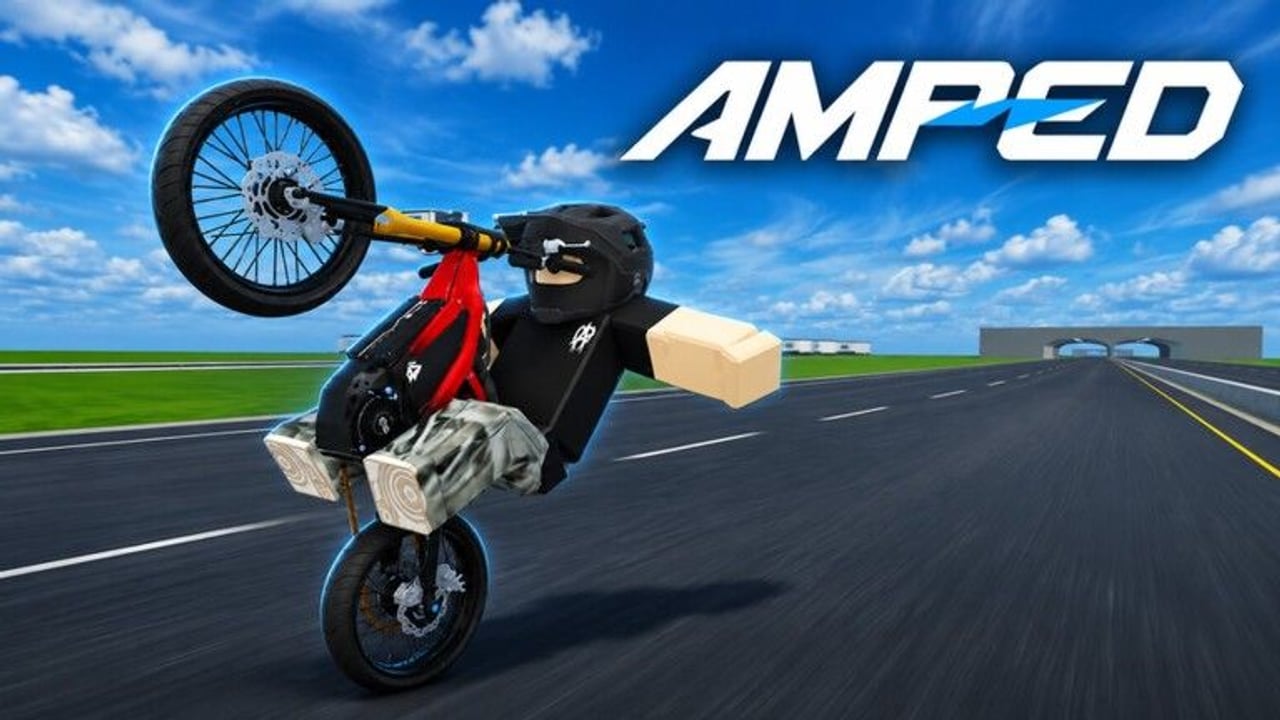
AMPED does not need a complicated DPS calculator — it needs consistent feel. This tools hub packages checklists and mini planners so every session starts with stable settings, a clear drill, and a cash or clip goal. Use it before you blame bikes, maps, or beta ghosts.
Pre-ride settings checklist
Run through this list every time you launch:
- FPS / graphics — prioritize stable frame pacing over max shadows; micro throttle dies on stutter.
- Camera sensitivity — small corrections must be possible without whipping 180°.
- Volume — hear friends’ callouts; duck music if needed.
- Controls confirmation — re-open binds after patches (Controls).
- Group membership — still in AMPED|Official for shouts (Codes).
- HUD clarity — know where cash, shop, and redeem live (How to Redeem).
- Bike choice — daily driver selected, not a random flex shell (Best Bikes).
- Session intention — farm, clip, or teach? Pick one primary.
Tick these mentally in under two minutes. The habit matters more than perfect numbers.
Wheelie warm-up timer (10 minutes)
| Minute | Drill | Success look |
|---|---|---|
| 0–2 | Straight rolls, no wheelie | Smooth throttle |
| 2–5 | Short pops + soft set-downs | No panic loops |
| 5–8 | Hold attempts with counting | +1 second vs yesterday |
| 8–10 | One small jump integration | Clean landing |
Details and recovery tips: How to Wheelie.
Cash session planner (15 minutes)
- Warm-up table above (compressed if needed).
- Run your flat → jump loop from Earn Cash Fast.
- Note rough cash delta.
- Stop while still having fun; hang out using Players etiquette.
If the delta is weak, do not open scripts — open technique pages.
Clip session planner
- Confirm crew spacing.
- Choose one lip and one landing lane.
- Call “rolling.”
- Limit to a handful of serious attempts; quality over spam.
- Review whether bike manners matched the Bike Tier List goal.
Patch-day toolkit
After updates:
- Re-run settings checklist (binds may reset).
- Flat test before shop panic.
- Skim Beta Notes.
- Redeem any live codes.
- Recheck tier assumptions.
Troubleshooting flowcharts (text)
Bike feels impossible today → FPS stable? → binds correct? → same bike as yesterday? → flat drill pass? → then consider chassis swap.
Cash feels nerfed → crash rate up? → wheelie uptime down? → new map traffic? → codes missed? → then read economy tips again.
Friends mad in chat → etiquette lapse? → grief on lip? → mute/report/hop as needed.
Optional external tools (non-script)
- Roblox shift-lock / camera modes your device supports
- A simple phone notes app for codes and cash deltas
- Party chat outside noisy servers
We intentionally exclude executor tooling — see Scripts.
Weekly review prompts
Every week ask:
- Did my longest clean wheelie improve?
- Did I finish an upgrade path instead of hopping bikes?
- Did I redeem codes the same day they dropped?
- Did I help at least one newer rider (Getting Started energy)?
Write short answers; improvement loves receipts.
Related pages
Frequently Asked Questions
Quick answers for AMPED riders.
Is this a downloadable AMPED tool?
No — it is an in-wiki checklist and planner hub for settings and practice structure.
How often should I run the pre-ride checklist?
Every launch, especially after patches or when switching PC/mobile.
What if my FPS is low?
Lower graphics presets first. Stable frames help wheelie micro-adjustments more than pretty shadows.
Can these checklists replace guides?
No. They organize sessions; technique pages teach the skills.
Do you provide script tools here?
No. Unauthorized scripts are unsafe and unnecessary for AMPED progression.