AMPED Mobile & Tablet Guide
Touch layouts, wheelie micro-throttle, camera habits, and performance tips for phone riders.
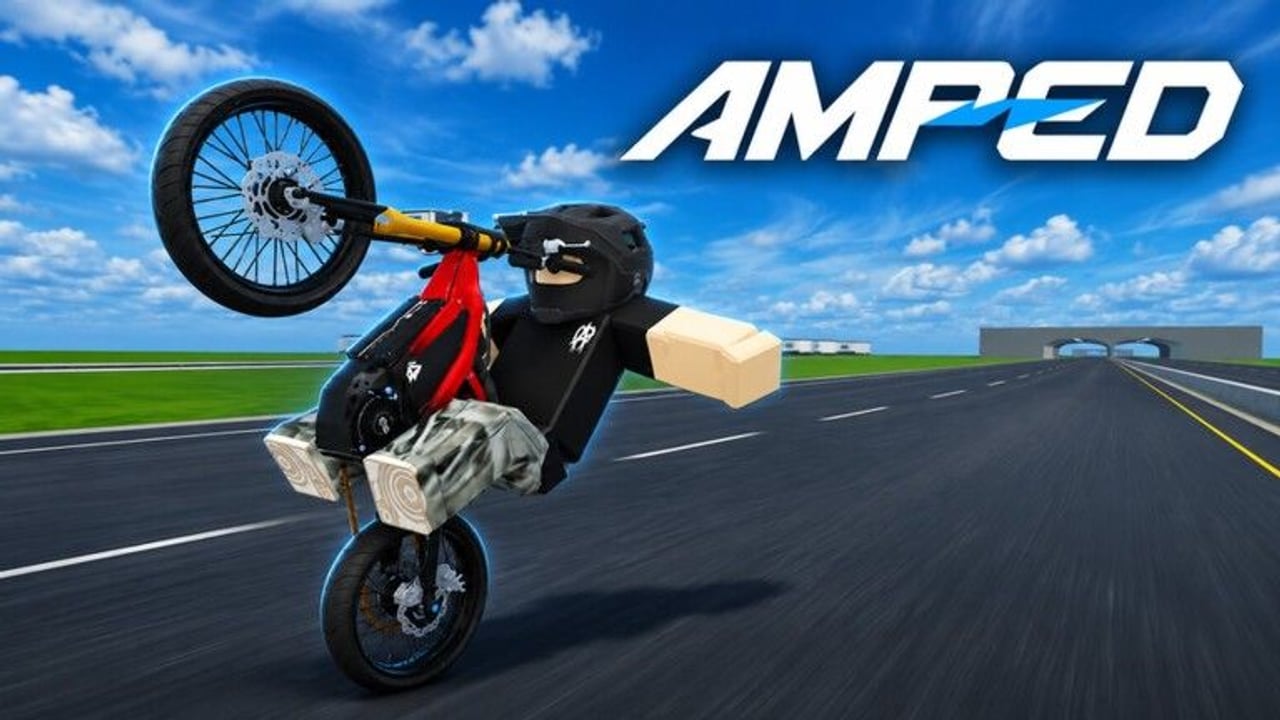
Plenty of AMPED sessions happen on a phone or tablet. Touch can absolutely hold wheelies, hit jumps, and hang out in ~12-player lobbies — but the habits differ from mouse-and-keyboard. This mobile guide focuses on thumb placement, camera discipline, performance, and when to prefer PC, without pretending touch is identical to desktop feel.
Read it beside the platform-wide Controls page. For balance theory, keep How to Wheelie open. New accounts should still follow Getting Started before chasing clips.
Why mobile feels different
- Analog precision comes from finger pressure and on-screen stick travel, not physical triggers.
- Screen real estate fights you: HUD, thumbs, and jump lips compete for the same pixels.
- Thermal throttling can drop frames mid-hold, which feels like a physics nerf.
- Notifications and gestures can steal focus mid-wheelie.
None of that means mobile is “wrong.” It means you tune the device as carefully as the bike.
Touch control setup
On first launch (and after patches):
- Open Roblox / in-experience settings and note which control tips the bike versus steers.
- Place thumbs so throttle and steer zones do not overlap awkwardly.
- Confirm you can tap menu / codes without lifting into a crash — redeem flow is covered in How to Redeem.
- Disable or avoid system gestures that zoom or switch apps when a thumb drifts.
If your device supports a higher touch sampling feel or reduces animation effects in system settings, use that. Stability beats visual flair for wheelie micro-adjustments.
Camera on a small screen
Camera is the hidden skill on mobile. The front fender eats more of the display than on a monitor. Habits that help:
- Look farther down the lane than feels natural.
- Pre-rotate to see the landing before the lip.
- Increase camera distance / FOV options if available so jump faces stay readable.
- Avoid constant pinch-zoom mid-ride.
When you keep looping “for no reason,” check camera first, then throttle. The same advice appears in Controls, but phones punish tunnel vision harder.
Wheelies on touch
Touch wheelies succeed when you treat throttle as a dimmer, not a button:
- Roll to moderate speed on a flat classroom lane (Best Wheelie Spots).
- Pop gently, then ease pressure as the nose rises.
- Add tiny pressure if the nose drops.
- Soft-set early when traffic appears — phones make abrupt multi-touch corrections clumsy.
Practice five-minute flat blocks. Do not start mobile training on the busiest jump lip during a ~2.4k concurrent peak evening.
Jumps and stunts from a phone
Airtime is viable, but linked stunt lines from Tricks and Stunts demand more foresight because mid-air steer corrections are harder with thumbs. Favor:
- Straight approaches
- One idea per send
- Early attitude neutralization before landing
Film fewer takes. Review one clip, change one habit, try again. Tablet landscape often helps if you own one — more horizontal space for lips and runoff.
Performance checklist for mobile
Before blaming bikes or beta ghosts:
- Close background apps and overlays.
- Lower Roblox graphics until frame pacing feels steady.
- Enable performance / battery modes that prioritize sustained FPS over max fidelity.
- Keep the device cool — a warm phone throttles mid-session.
- Use stable Wi-Fi when possible; shaky data plus micro throttle is misery.
- Re-run the Tools Hub pre-ride list adapted to touch.
If only your phone bounces a lip that PC friends clear, it is often frames or camera distance, not a secret mobile nerf.
Codes, shop, and HUD on touch
Pull off the main line before opening codes or shop. Keyboards and portrait layouts can cover submit buttons — rotate, dismiss the keyboard, or paste from clipboard. Join AMPED|Official so shouts still reach you, then redeem carefully. Do not type long strings while rolling in traffic.
Etiquette specifics for mobile riders
You may react a fraction slower than a high-refresh desktop player. Compensate with spacing:
- Leave extra following distance on shared lines.
- Call your filmed sends early.
- Avoid cutting PC riders who commit earlier to a lip.
Hangout manners still follow the Players Hub. Device choice is not an excuse for griefing.
When to prefer PC
Switch to PC (or a controller on a larger display) when you are:
- Learning a brand-new physics feel after a place update (November 2026 checklist)
- Grinding precise cash loops for upgrades
- Filming a difficult linked stunt for the first time
- Troubleshooting whether a problem is input or bike-related
Then bring the cleaned habit back to mobile. Many riders practice on PC and socialize on phone — that split is smart, not elitist.
Session template for phone play
10 minutes: settings + flat wheelie warm-up.
10 minutes: one small jump landing drill.
10 minutes: short cash loop or casual crew cruise.
Optional: one filmed attempt, then stop.
Short sessions reduce heat and focus fade. AMPED’s fantasy is ride-with-friends energy, not a four-hour ranked grind.
Beta caveats on mobile UI
HUD labels and control prompts can move between updates. When a button vanishes, re-open settings and check Beta Notes before assuming a hard lockout. Report persistent mobile-only binds through official AMPED|Official channels on Wiki links.
Related pages
Frequently Asked Questions
Quick answers for AMPED riders.
Can I play AMPED well on mobile?
Yes. Stable frames, careful camera, and soft throttle on flats make touch wheelies very workable.
Why do I loop more on my phone than on PC?
Often over-throttle on touch plus camera too tight. Practice dimmer-style pressure on flat ground.
What graphics settings should I use?
Prioritize steady frame pacing over max shadows. Heat and stutter ruin micro adjustments.
Is tablet better than phone?
Landscape tablets usually show jump lips and runoff more clearly, but a well-tuned phone is fine for hangouts.
When should mobile players switch to PC?
For learning new patch feel, precise cash drills, or hard linked stunts — then bring the habit back to touch.